
Author Websites Now / BetterTranscript
BetterTranscript · Interviews, video production & oral history
Edit your recording by editing the words
Your interview can become a clear, polished video that introduces your book, shares your experience, or preserves someone’s story.
We help you review the words, choose the passages that matter, and shape the finished recording. Speaker names and titles, readable captions, smooth transitions, and coordinated opening and closing graphics give it a consistent presentation.
Our fictional interview · BetterTranscript in practice
Last Night at the Library
A letter thirty years too late—in a book someone borrowed yesterday. Meet our fictional author, Mara Ellis, and discover the mystery that began on a librarian’s last evening at work.
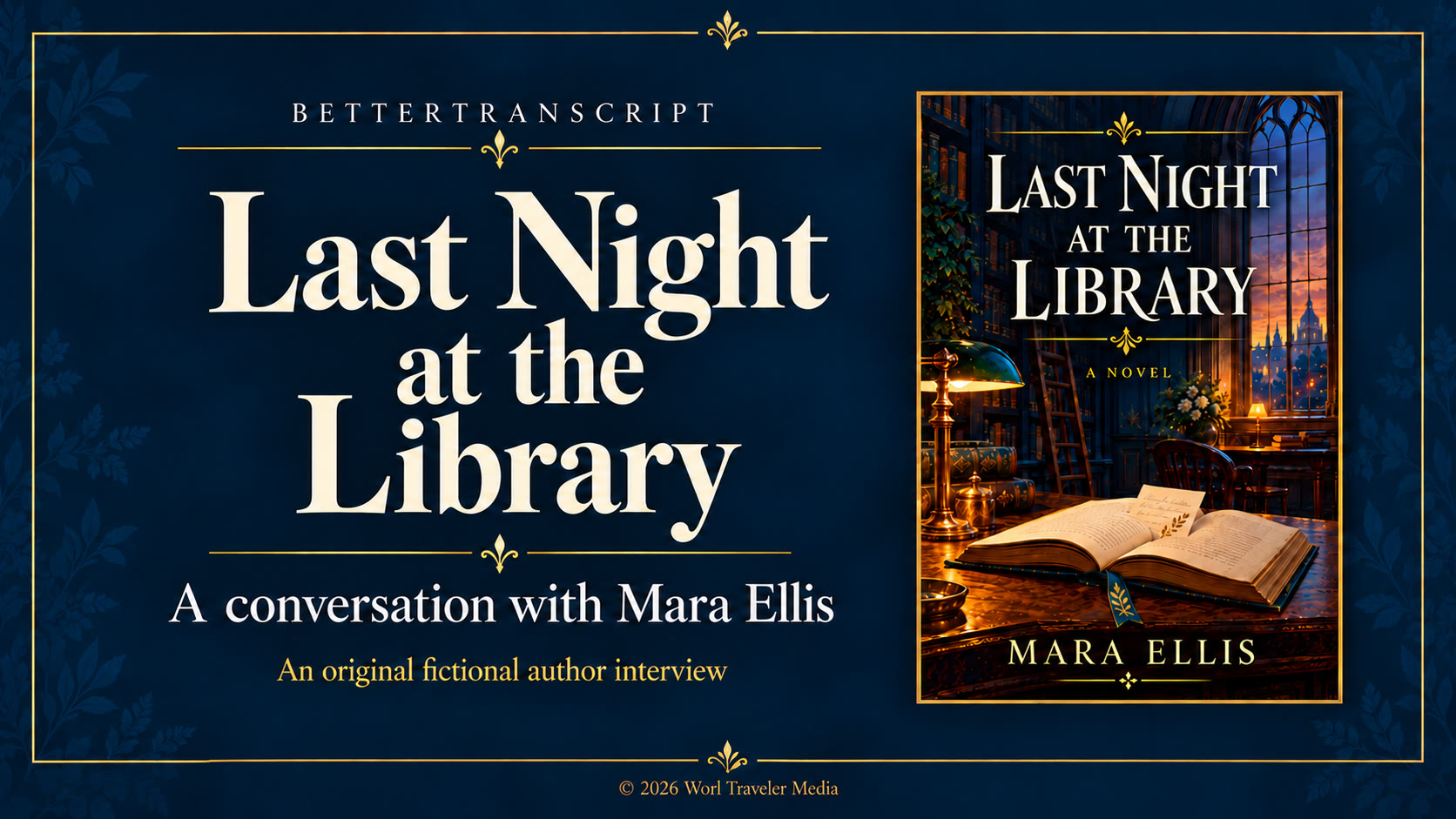
Watch our interview on YouTube
We shaped the conversation by reviewing its words: quieting fillers, tightening pauses, cutting a digression and repetition, and moving a strong closing passage to the beginning. We finished it with captions, speaker names, framed portraits, book artwork, opening and closing slates, and selected dissolves.
We can help turn an author’s conversation into a podcast episode, a video interview, and shorter promotional passages. For library colleagues, the same approach can support oral histories and community stories. Video professionals can explore our detailed workflow.
Return to BetterTranscript on our main page
© 2026 Worl Traveler Media · Fictional demonstration
Read, listen, and shape the story
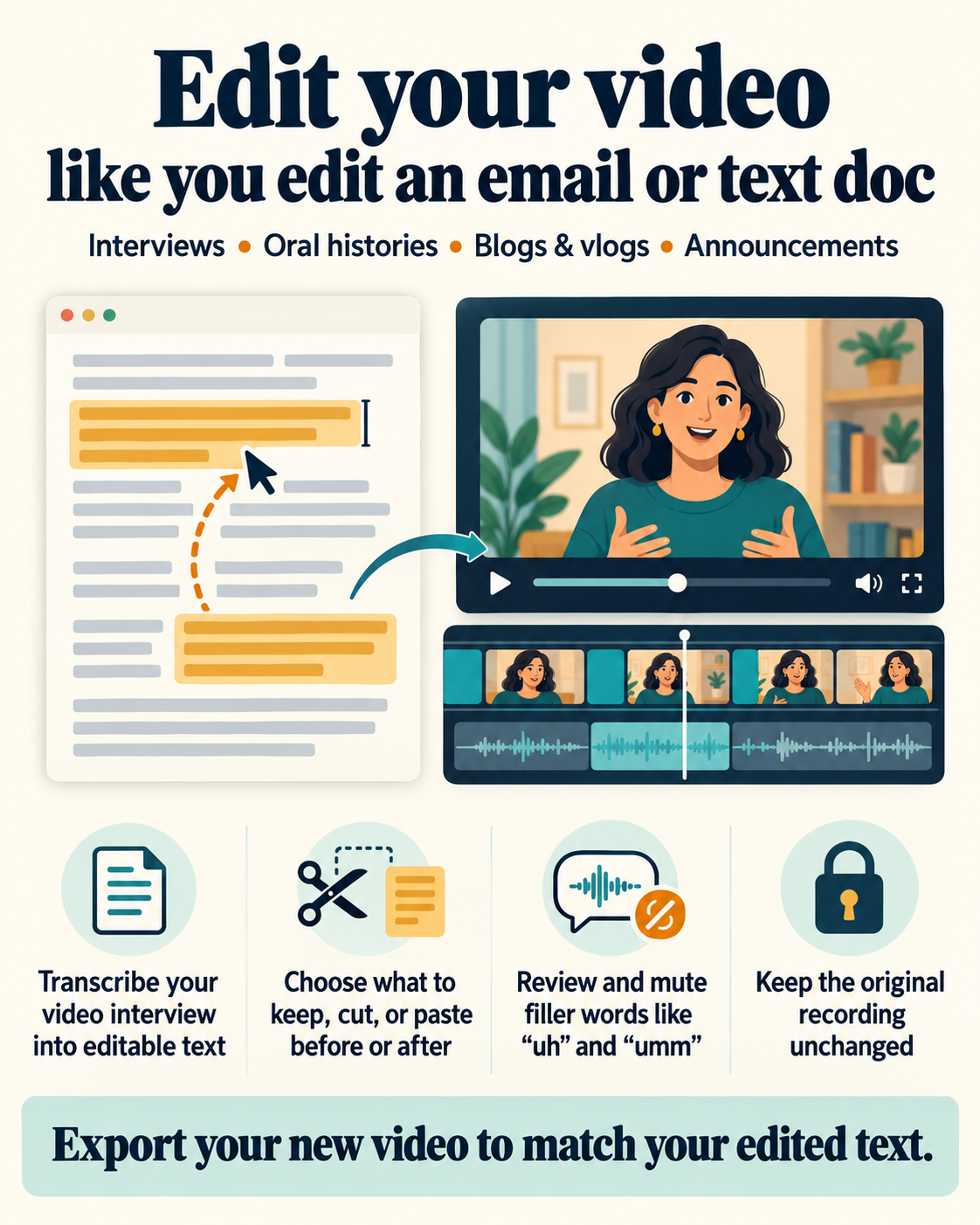
You know the interview and the story behind it. Our transcript-guided approach lets you read what was said, listen to a passage, correct names and spellings, and identify what to keep, remove, or move. We can quiet distracting hesitations and arrange selected passages into a clear sequence, using short picture dissolves that let the retained speech finish naturally.
The finished video can include captions and speaker labels with a name and an optional smaller title beneath it. Colors, logos, and coordinated opening and closing slates help connect the presentation to your book, organization, or project; a copyright footer identifies the holder.
A presentation suited to your recording
For authors, video editors, producers, libraries, and oral-history projects, a recording carries both a story and the context needed to understand it. We use a transcript linked to the recording so passages can be read, replayed, corrected, and reviewed. Speaker assignments help distinguish the voices, while notes and saved editing decisions give us a practical way to develop the presentation together.
Selected speech can be kept, removed, muted, or rearranged. Short held-frame dissolves soften picture changes while the kept outgoing speech finishes before the incoming speech begins. Corrected captions and individual speaker labels add clarity. Labels can use transparent, solid-color, or graphic backgrounds, with placement and duration suited to the recording.
Opening and closing slates provide a coordinated frame for the work. They can use a project logo over a chosen color or the first and last retained video frames, with an editable copyright notice and holder at the bottom. The closing design can inherit the opening design and then be customized.
Explore the detailed workflow
For colleagues who want to understand the editorial and production controls.
Transcript review, edit decisions, and output files
BetterTranscript links recognized words to source timestamps and supports spelling corrections, speaker assignments, review notes, and saved project checkpoints. Reading and replaying the same passage helps us make editorial decisions with reference to the original recording, which remains unchanged.
KEEP, CUT, MUTE, and passage rearrangement control the edited sequence. Audio mute boundaries can be adjusted precisely, and join previews let us inspect transitions before rendering the complete interview. With a held dissolve, the picture blends over the selected frame duration while retained speech plays sequentially across the join.
The renderer uses a 30 fps timeline and produces a finished MP4, a project snapshot, a timing map, and corrected subtitle files. Source timing references help us follow the selected passages through the edited recording.
Speaker graphics and placement
Speaker graphics are configured per speaker, with clip-specific overrides when framing changes. A label contains a name and optional title at 75% of the name’s size; its background fits the text and padding, expanding when the title is present.
Transparent, solid-color, and cropped graphic backgrounds are available. Live placement previews and click adjustments make size and X/Y positioning easy to judge visually, while duration controls determine how long each label appears.
Opening and closing slates
Separate opening and closing slates default to 10 and 20 seconds. Each can use a color background or a retained boundary frame, with a proportionally resized logo above an anchored copyright footer.
The closing slate inherits the opening design by default, with independent edits available. These elements bring identification, branding, and ownership information into one coordinated presentation.
What would you like your recording to become?
An author introduction, a conversation about your book, a focused feature, or a selection of short clips can give readers a way to discover your work. Oral-history excerpts can bring a collection to a website, exhibition, educational program, or community presentation.
Tell us about your recording, its audience, and the finished result you have in mind. Use the blue Ask Author Services button for questions and next steps.